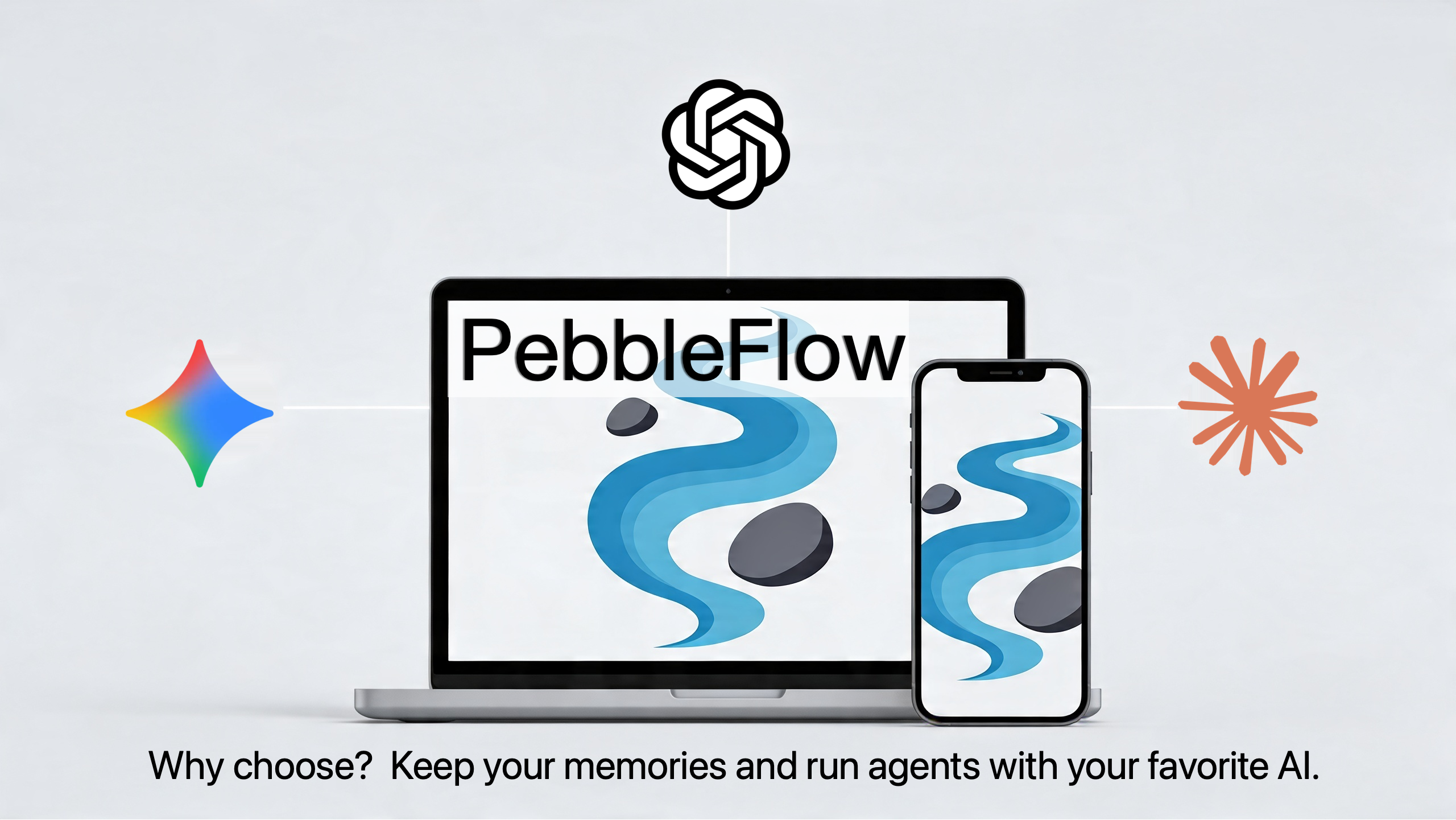
Why Your AI Chatbot's Memory Belongs on Your Device, Not in a Vendor's Cloud
2026-04-16 · PebbleFlow Team
In the Wall Street Journal this week, Nicole Nguyen published a careful, useful guide to a question more AI users are starting to ask: how do you switch chatbots without losing the rapport you've spent months building? Buried inside her how-to is an observation worth pausing on — the AI chatbot you currently use has a file on you, that file is the reason the chatbot feels useful, and what you can take with you when you leave is, at best, a partial copy.
Now, more than ever, we agree, "switching is easy" — Anthropic and Google both shipped memory-import tools in March 2026 to make it easier. We also agree that looking at ChatGPT's file can feel "like snooping through something I wasn't supposed to, like a therapist's notes."
That second observation is the one worth dwelling on. The AI race is producing a feature war over memory portability — between vendors who all assume the file should live in their cloud, on their terms. The user with the strongest leverage in that arrangement is whichever vendor you happen to be using right now.
We took a different bet. PebbleFlow has shipped portable thread export and import since version 0.6.1 in late 2025, and a full multi-platform import adapter system — ChatGPT, Claude, Gemini, Perplexity, and Grok — in version 0.9.655 on February 20, 2026, roughly two weeks before Anthropic's announcement and five weeks before Google's. We did not ship this as a competitive response. We shipped it because portability is what privacy-by-design looks like in practice: if your data really is yours, you have to be able to walk in and walk out with it.
What the major chatbots' new import tools actually do
In early March 2026, Anthropic launched Claude Memory Import, a free-tier feature that walks you through extracting a text dump of "what your old AI knows about you" and pasting it into Claude. Anthropic explicitly labels the tool "experimental and under active development." Imported memories take up to 24 hours to fully synthesize, and Anthropic openly warns that the system weighs work preferences and skill background more heavily than personal-life details. Three sources are supported: ChatGPT, Gemini, and Grok.
A few weeks later, Google rolled out Gemini Import - two flows: an import chats upload (5 GB cap, 5 zip files per day) and an import memory flow that mirrors Claude's copy-paste pattern. Google's own page names ChatGPT and Claude as supported sources. Importing isn't available in the EEA, Switzerland, or the UK. Attachments, images, custom GPTs, plugin settings, and conversation organization don't make the trip.
ChatGPT, for its part, doesn't ship a memory importer at all. As Nguyen notes, you have to copy Claude or Gemini's export prompt, paste the resulting summary into ChatGPT, and tell it “remember this.”
The state of the art among the major chatbots looks like this:
- each vendor has built the import side (or in OpenAI's case, not even that),
- none has built a full export side,
- what gets transferred is a model's prose summary of what it thinks it learned about you ( not the actual data)
- and the destination is always another vendor's cloud account.
What PebbleFlow has been doing since February
PebbleFlow's import adapter system shipped on 2026-02-20 in version 0.9.655 — about ten days before Anthropic's announcement and over a month before Google's. Five sources are supported out of the box: ChatGPT, Claude, Gemini, Perplexity, and Grok. It accepts each platform's actual export bundle (the ZIP file the vendor gives you when you click "Export data") and ingests the conversations themselves — not a model's after-the-fact summary of what it thinks it learned about you. Auto-detection inspects the file, picks the right adapter, and brings the conversations into your local PebbleFlow store.
That last part is the one the chatbot vendors won't match: the destination is your machine. Not a PebbleFlow cloud account. Not a synthesis pipeline that will need 24 hours to think about you. There is no PebbleFlow-side "memory store" holding the imported data, because there is no PebbleFlow-side anything. Imports land in local storage, on the device they were imported on. If you want them on more than one device, our encrypted private sync tunnels the data between your devices through a relay we cannot read.
This was not a feature we added in response to the recent vendor announcements. PebbleFlow has shipped native thread export and import since v0.6.1 in late November 2025 — the multi-platform adapter system on top was the natural extension. Portability has always been part of how we read "your data is yours." If we had to ship a memory-import tool to retroactively bolt portability onto the product, we would have failed our own architectural premise.
The deeper problem: ownership, not portability
The framing every vendor uses — "we make it easy to bring your memory to us" — quietly assumes the memory belongs in a cloud account in the first place. None of these tools change that assumption. They just smooth the handoff between custodians.
A 2026 Parallels survey of 540 IT professionals found that 94% of organizations are now concerned about vendor lock-in, per industry analysis. The AI vendors' response — better importers — addresses the surface symptom while preserving the structure that creates the symptom. Whoever holds the file wins. Whichever bot you used last month decides what gets exported, in what format, with what fidelity. The user gets a copy, not the original.
This matters even more when you remember that, for ChatGPT consumer plans specifically, deletion is currently overridden by a federal court order in NYT v. OpenAI requiring retention of conversation logs indefinitely. (We did a technical audit of ChatGPT's data practices earlier this month.) So the file you "exported" still exists on OpenAI's servers, regardless of whether you imported a copy of it into Claude. Migration adds a destination — it does not subtract a source.
The reframe: stop switching, start orchestrating
There is a third option that sits outside the scope of Nguyen's column — for the simple reason that it is not the model the major chatbot vendors sell.
One app. Your own API keys. Pick the model per task. The memory lives on your machine.
That's it. That's the entire reframe. Once your "memory" is in local storage rather than in the cloud with your vendor, the question of "which chatbot should I switch to?" is no longer the issue. You don't switch — you just flip models instantly. When a better Claude ships, you point one query at it. When Gemini's Deep Research outperforms it on a particular task, you point the next query at Gemini. When you need to summarize a 200-page PDF cheaply, you route through a Mistral or Llama model and pay $0.04 instead of $0.40. None of this requires a migration, an importer, or a 24-hour synthesis cycle.
This is the model-agnostic architecture that an increasing number of CTOs have started standardizing on in 2026 — but the same logic applies to the individual knowledge worker. The "right" chatbot for you next month is whichever model best fits the task in front of you. Locking yourself into one vendor's account, one vendor's memory store, and one vendor's pricing curve is the part that ages badly.
What this looks like end-to-end
PebbleFlow runs as a browser sidepanel and as native macOS, iOS, Android, Windows, and Linux apps. It is BYOK — bring your own API key — across roughly 500 models from Anthropic, Google, OpenAI, Mistral, Meta, and dozens of other providers via OpenRouter, plus local models via Ollama. You pick the model per task; the model picker sits beside the prompt box, not buried in a settings menu.
If you're already deep into ChatGPT, Claude, Gemini, Perplexity, or Grok and don't want to start from scratch, the import adapters bring your existing conversations in — from each platform's real export bundle, not a model's prose recollection of you. Once they land, they live in local-first storage on your device alongside everything else. If you want them on more than one of your own devices, encrypted private sync routes the data through a tunnel we cannot read. There is no PebbleFlow account holding "your file." There is nothing for us to mishandle, sell, train on, or be subpoenaed for.
The "memory" that took months to build up doesn't have to follow anybody — it never left your machine in the first place.
The bottom line
The new memory-import tools are real, the friction she documents is real, and the impulse to evaluate a chatbot more critically by reading its file on you is an important response.
But the deeper problem — that the file exists, in someone else's cloud, in the first place — is the one the chatbot industry has structural reasons not to fix: (a) they want your usage data to improve their service, and (b) some want your personal data potentially to market to you. The whole import/export feature war preserves the model in which the file lives in a vendor account in the cloud.
A more secure response is to put the file somewhere it never had to leave to begin with: your own machine.
Nguyen closes her piece by noting that "moving our profiles between chatbots is likely something we'll all become familiar with" — and that, in the AI race, "the winner is far from settled." We agree on both points. We would just add a third: the longest-lasting winners may be the products that let you keep your data in the same place: your device.
Try PebbleFlow for free — browser extension, native macOS app, or desktop app for Windows and Linux. Bring your own API key, pick from ~500 models, and keep your memory where it belongs.
Sources:
- Nicole Nguyen, "How to Switch AI Chatbots—and Why You Might Want To," The Wall Street Journal, April 2026.
- Bloomberg: Anthropic Tries to Win Users From ChatGPT With Memory Feature
- MacRumors: Anthropic Adds Free Memory Feature and Import Tool to Lure ChatGPT Users to Claude
- Fast Company: Switching to Anthropic? Claude can now take your old chats
- 9to5Google: Gemini now lets you import chats and memory from other AI apps
- Google: How to switch to Gemini — Import your chats and data from other AI apps
- MindStudio: What Is Behavioral Lock-In? How Persistent AI Agents Create Switching Costs That Data Portability Can't Fix
- OpenAI: Memory and new controls for ChatGPT